Claude Code
Connect Walter Writes AI to Claude Code via MCP for text humanization and AI detection directly in your terminal.
Connect Walter Writes AI to Claude Code for text humanization and AI detection directly in your terminal. See the Overview for full feature details and examples.
Setup
- Add the Walter Writes AI MCP server from your terminal:
claude mcp add walter-writes https://mcp-server.walterwrites.ai/mcp -t http- Launch Claude Code and run:
/mcp-
Select walter-writes and choose Authenticate.
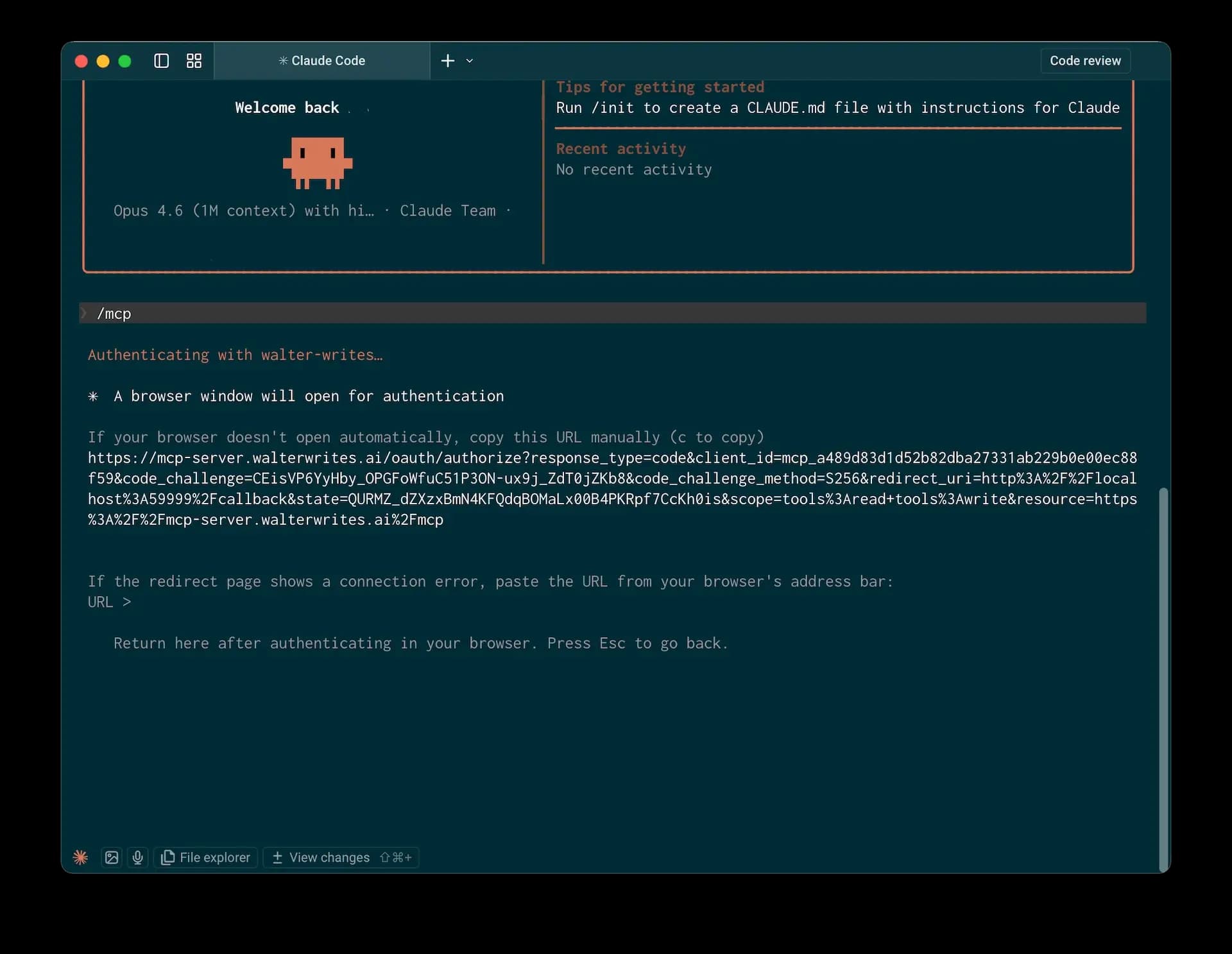
-
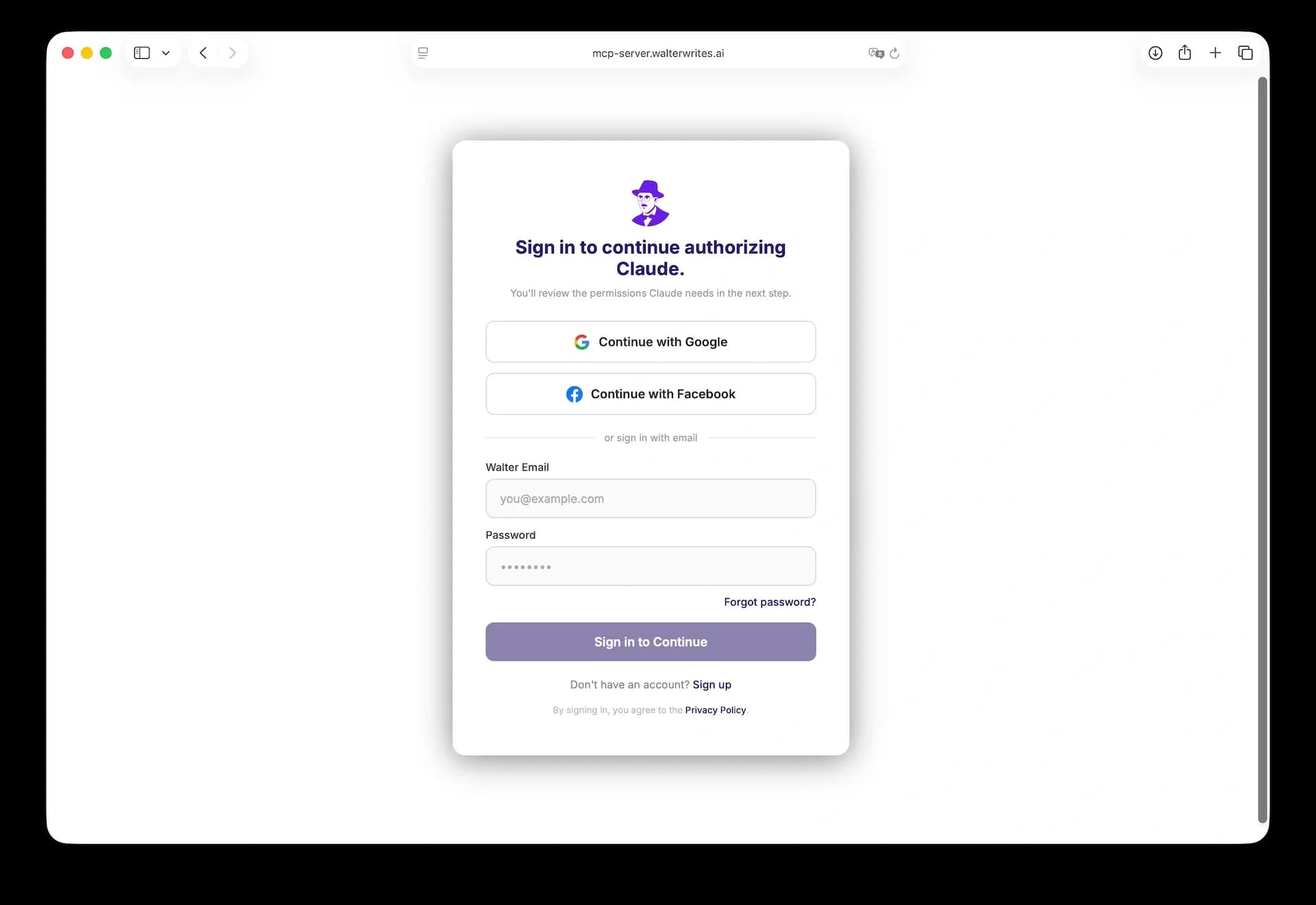
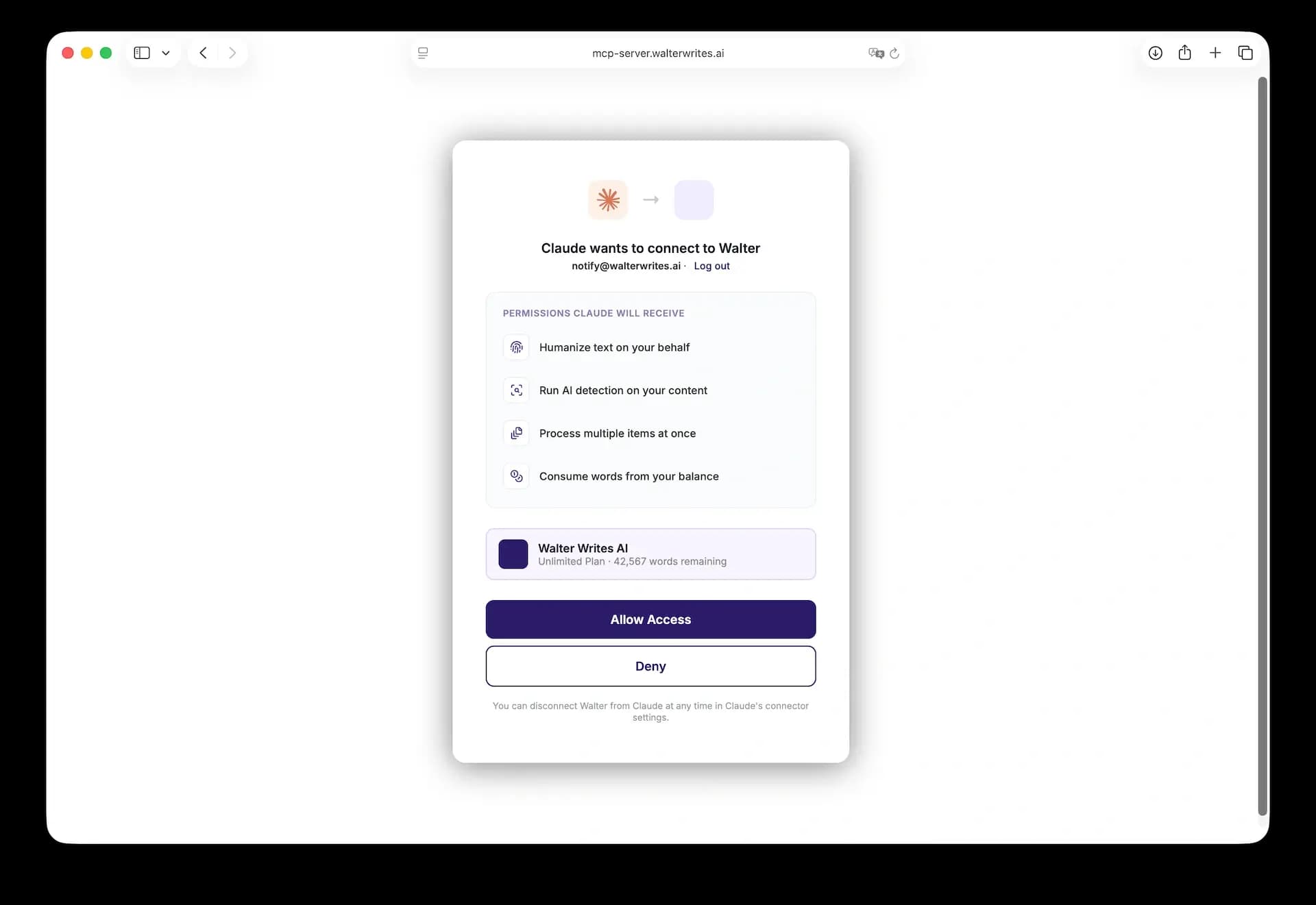
In the browser window that opens, sign in to your Walter Writes AI account.
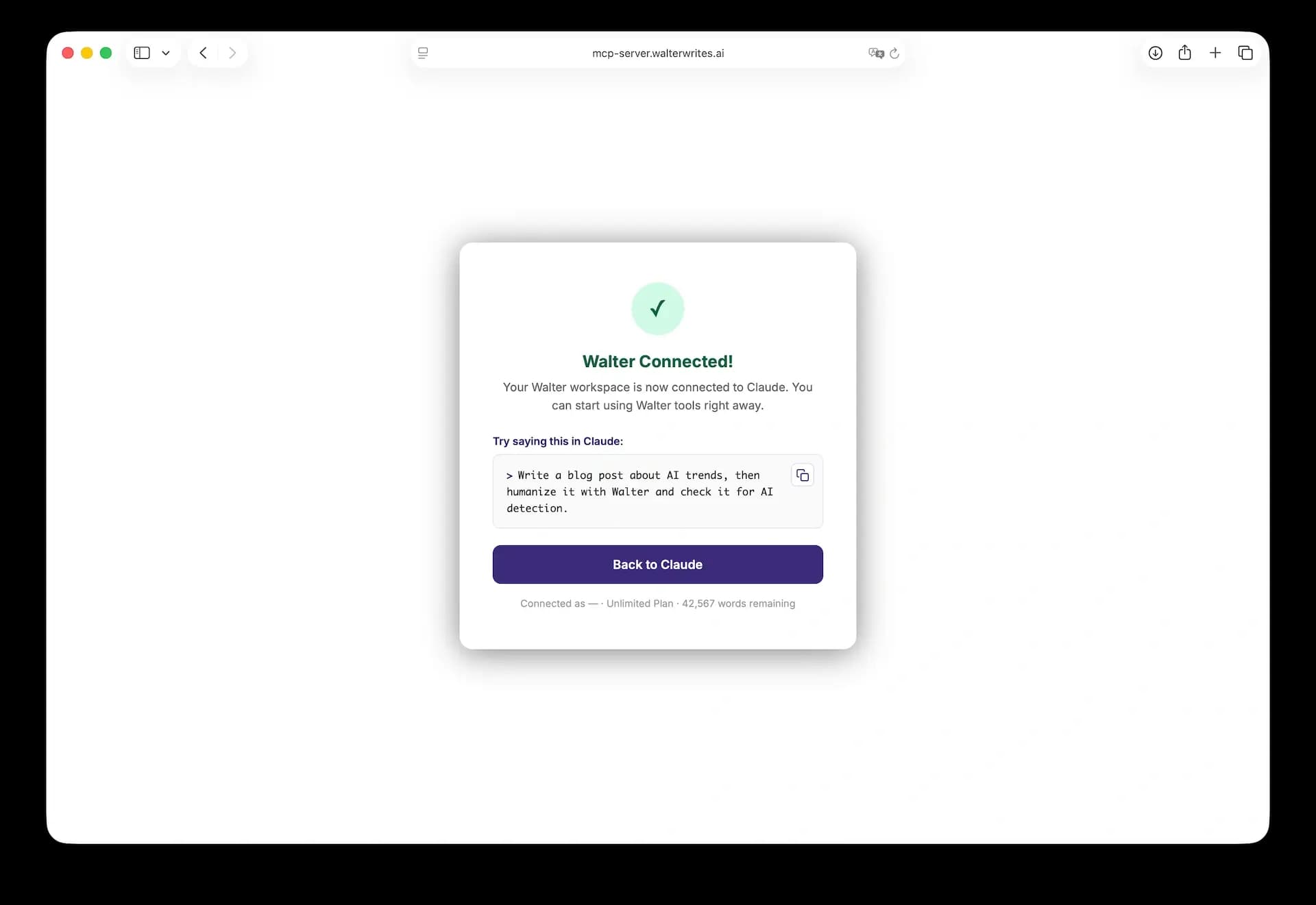
-
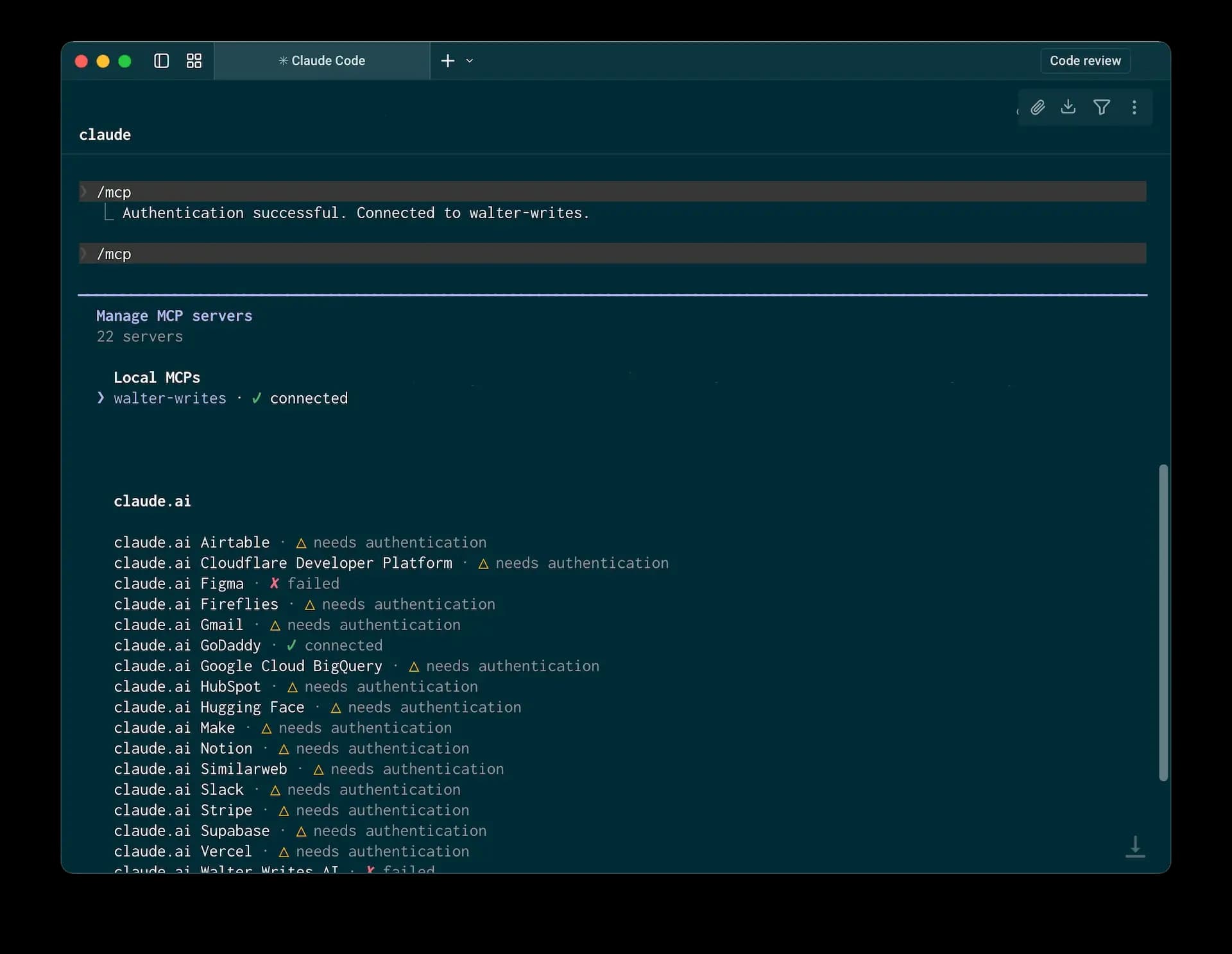
Return to Claude Code. Confirm that the connector shows as connected and authenticated.